This thread's last reply is from May 21, 2013, 8:49 AM UTC. Software, malware, and removal-tool
advice below may be out of date — treat specific steps and download links with caution.
Hello,,
sorry i cant speak engllish very well .
i have a feeling that somebody using my internet connection but im not so sure about this..
could you help me how to check and how to make a protection for my connection?
just for information im using a TP-Link TD w8151n.. the problem with this modem is making another wifi hotspot call wifi.id .. i asked my ISP about this , they said it cant be changed because this wifi.id implanted in the modem.
hopefully understand what im talking about...
thank you very much for your help...
Hi Cassidy,
Do you know what WiFi encryption (open, WEP, WPA or WPA2) you are using?
If not then please let me know what operating system you are using so that I can give you instructions on how to check.
yeah . im using wpa2..
and also im tottally confused with my isp..
i check my modem 192.168.1.1
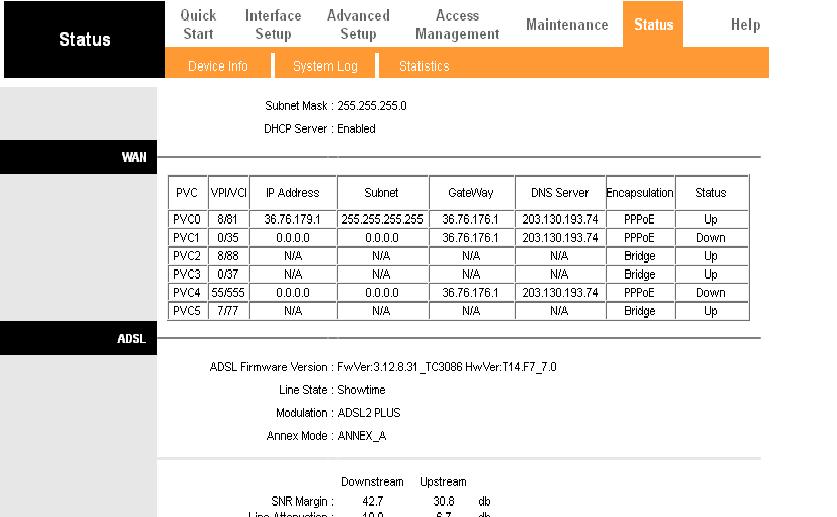
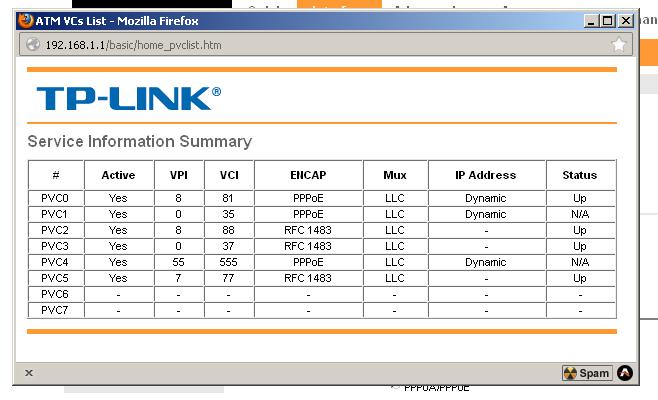
could you explain to me why there are many pvc .. ?
OS windows XP profesional
Hi Cassidy,
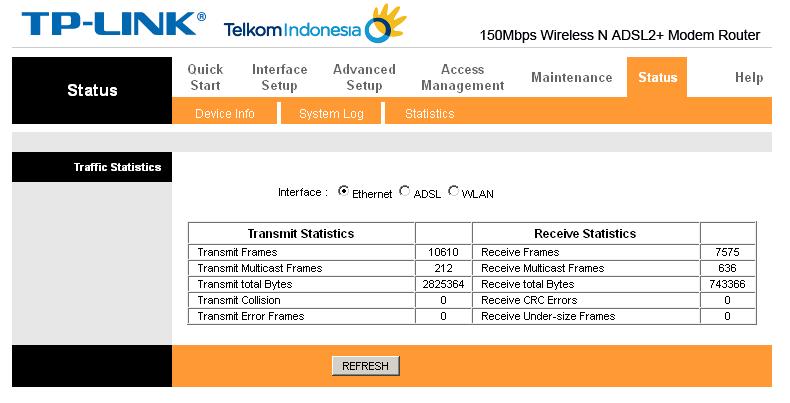
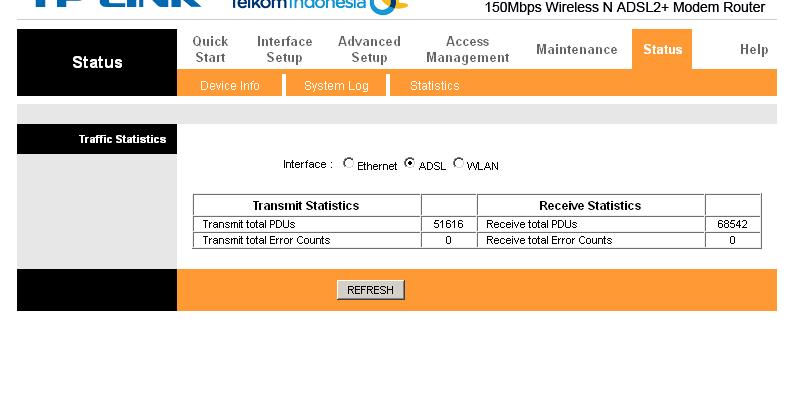
The screenshot shows traffic on the Ethernet LAN, for someone to be using that they would need to be physically plugged into the router with a network cable.
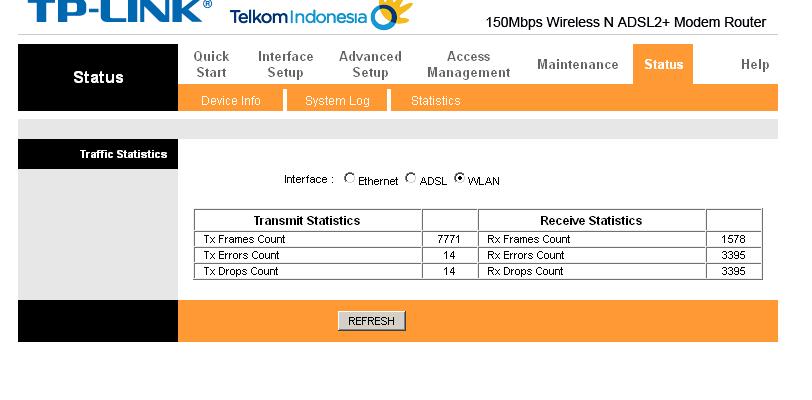
What traffic does WLAN show?
As you are using WPA2 then nobody could access the WiFi unless they had been told the key, or had access to a connected computer so that they could recover the key from there.
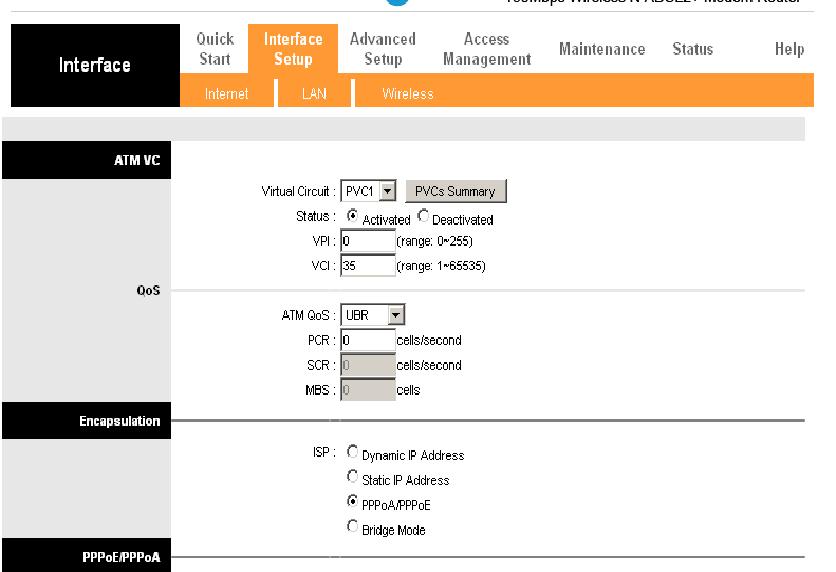
The multiple PVCs are a normal part of a PPPoE connection.
yeah. i set it up to wpa 2 according google.. thats the best way,...
im preety sure that someone maybe hijacked my connection.. about a year ago i found a connector switch that link to my neighbored from my internet cable.
maybe im just a paranoia. but this is kinda make me confused about my connection.. day by day the connection slower..
is there a way or a sofware for protection or network monitor.
thank you very much for helping me..
i only have 1 pc that connect to my modem . other than that im using ipad or wifi..
should i upgrade my firmware.. ?
im preety sure that someone maybe hijacked my connection.. about a year ago i found a connector switch that link to my neighbored from my internet cable.
You would need to take that up with your ISP and / or police.
day by day the connection slower..
There could be many possible reasons for that.
is there a way or a sofware for protection or network monitor.
If the connection is made to the internet cable then there is no software that could monitor or protect from that.
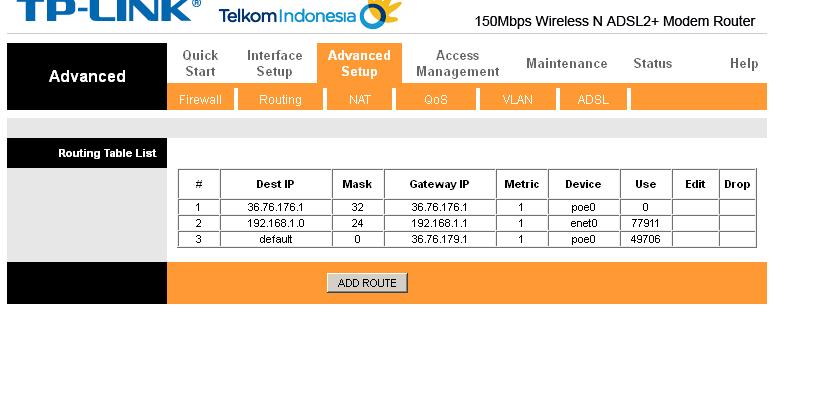
ic.. from the router set up.. is there any suspicious thing ?
or do i need to reset up my modem?
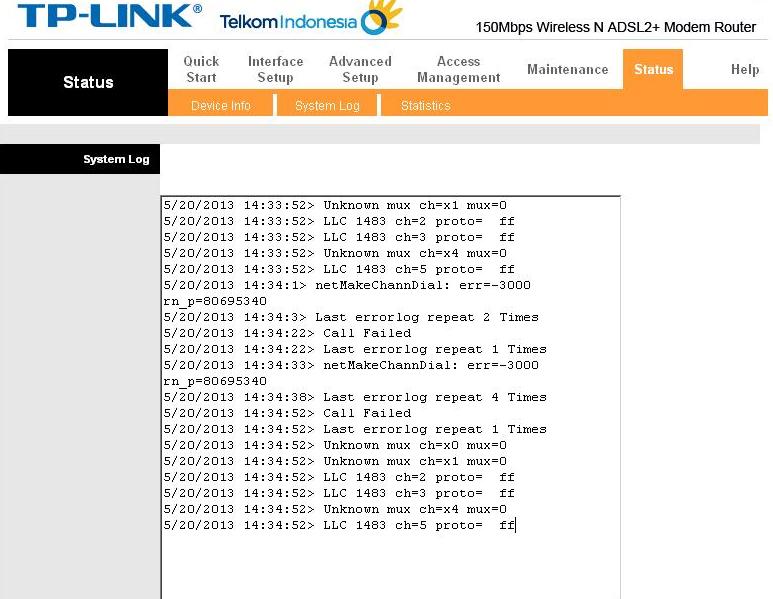
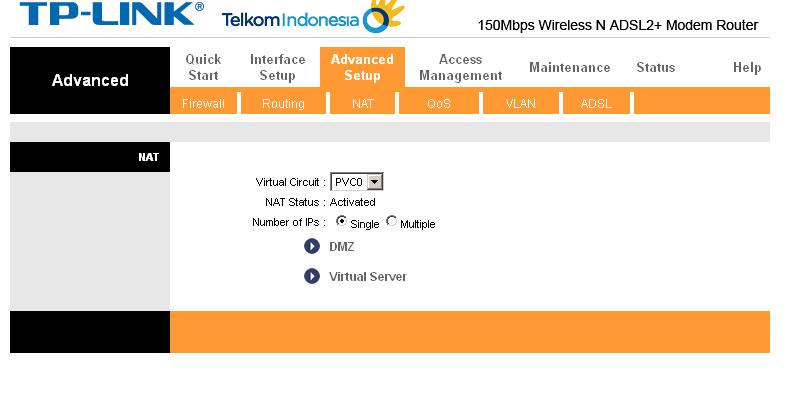
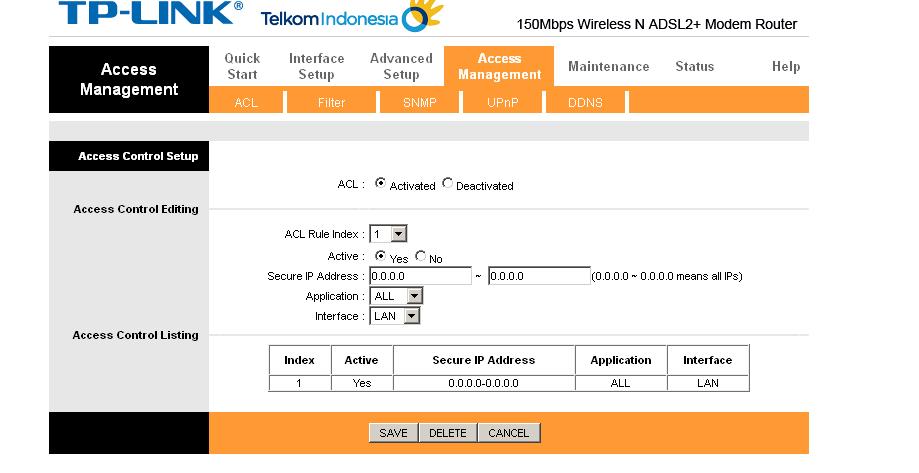
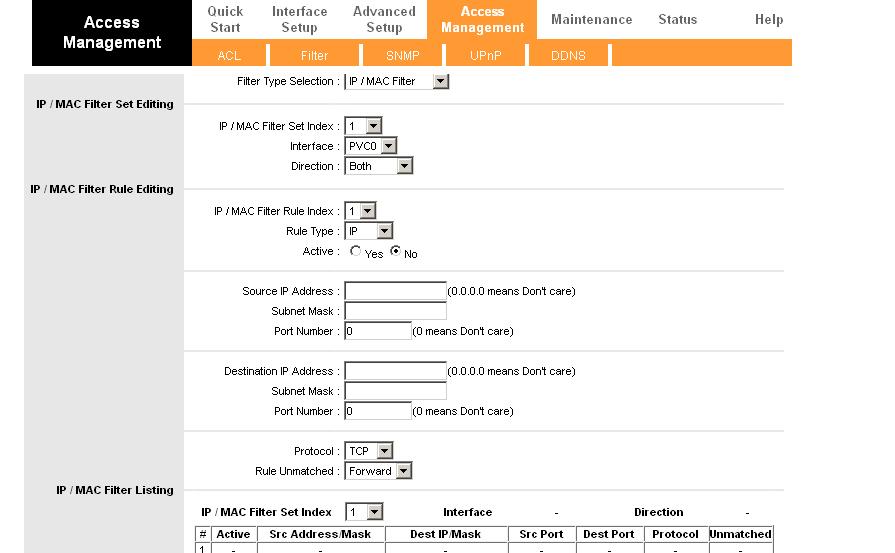
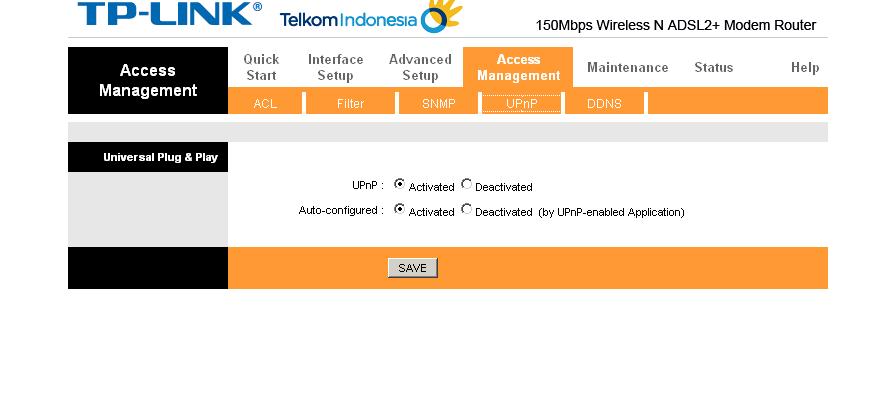
I don't see anything suspicious in the router config.
do i need to reset up my modem
It will do no harm, so you could try.
oh yeah 1 more thing.. my mozzila continue freezing for 10 - 15 sec and it will back normal for 3 minutes.. whats wrong with that..
and also i just check from another forum it says my modem tp link has a backdoor..
TP LINK TD W8151N
http://www.dslreports.com/forum/remark,28102272?hilite=tp+link+contain+backdoor
http://www.realwire.com/releases/TP-LINK-and-SamKnows-partner-to-launch-the-largest-EU-broadband-test
am i misunderstanding?
and also i just check from another forum it says my modem tp link has a backdoor..
If you have concerns then the only solution would be to change the modem for a different model.
oh yeah 1 more thing.. my mozzila continue freezing for 10 - 15 sec and it will back normal for 3 minutes.. whats wrong with that..
Please open a new topic in the
Malware Removal room.